
Your ideas.
Unlimited creation.
Rent your own GPU session and explore as many video variations as time allows.
No per-video generation fees.
See what's possible.
Explore creative possibilities, from text-to-video to extending clips and animating between keyframes.
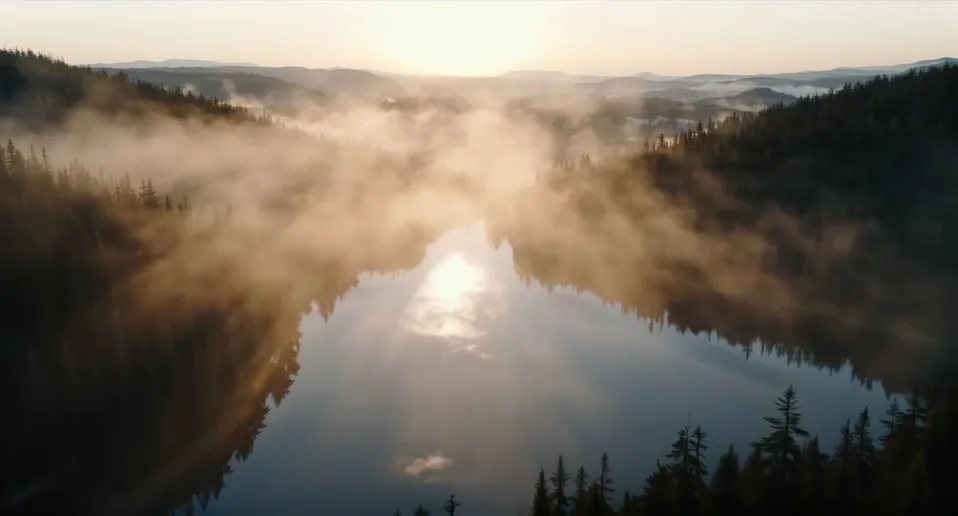
Nature & landscapes
Bring scenic environments to life with natural movement and immersive atmosphere.
 3D Photorealistic
A peaceful mountain valley at sunrise, mist drifting over a forest and sunlight reflecting on the lake.
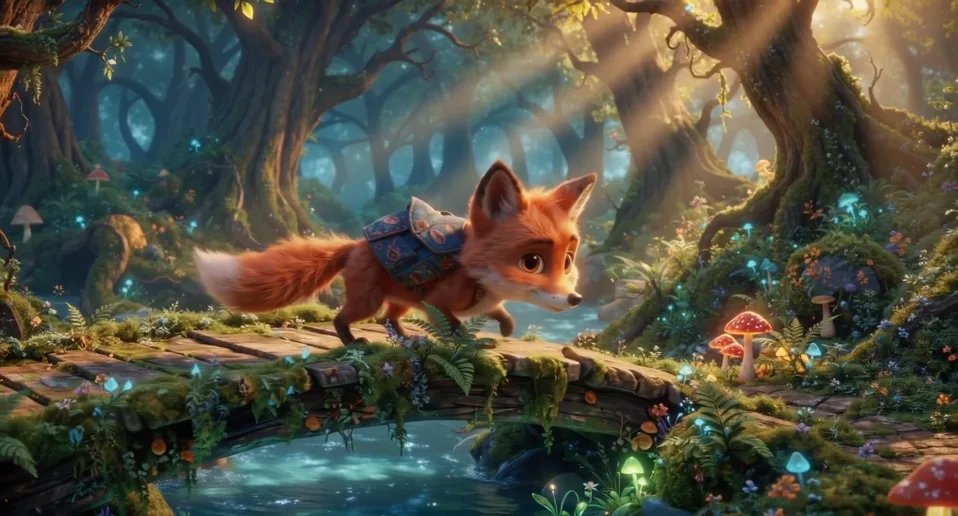
Animation & illustration
Turn illustrated worlds and imaginative characters into moving stories.
 3D Animation
A playful animated fox explores a magical woodland village at sunset, with gentle character movement.
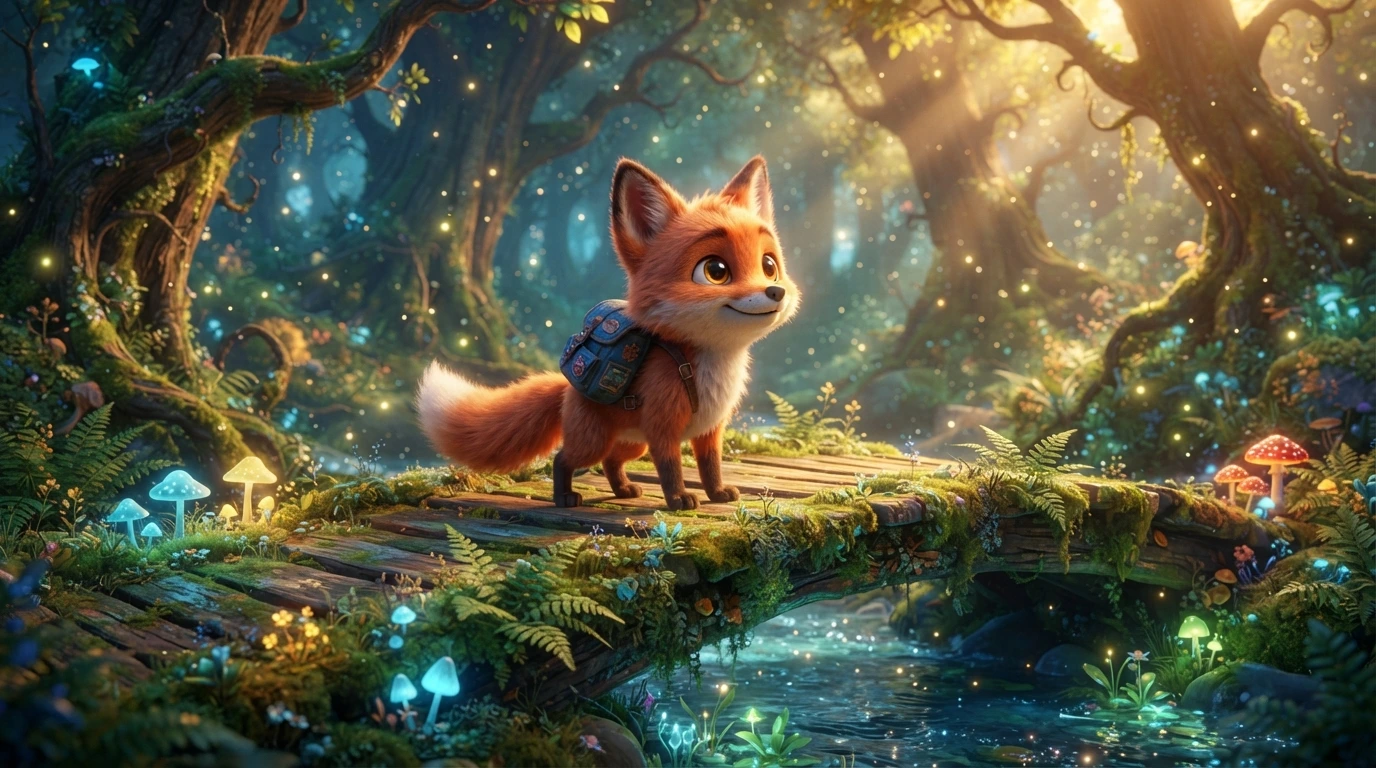
Start with an image, bring it to life.
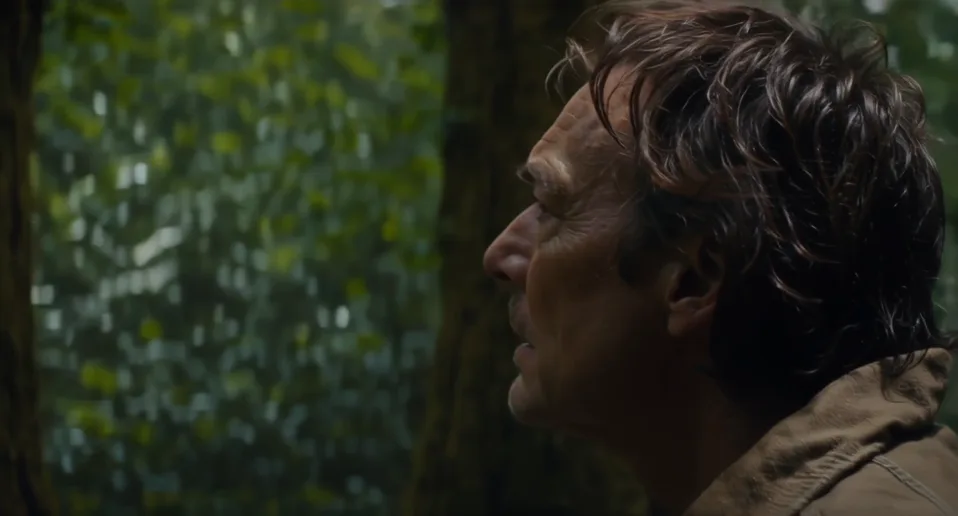
Characters & storytelling
Explore character-driven scenes, subtle expressions and cinematic action.
PhotorealisticA curious explorer walks through an ancient forest, looking around in wonder as the camera follows.
Creative concepts
Experiment with unusual ideas, visual styles and imaginative new worlds.
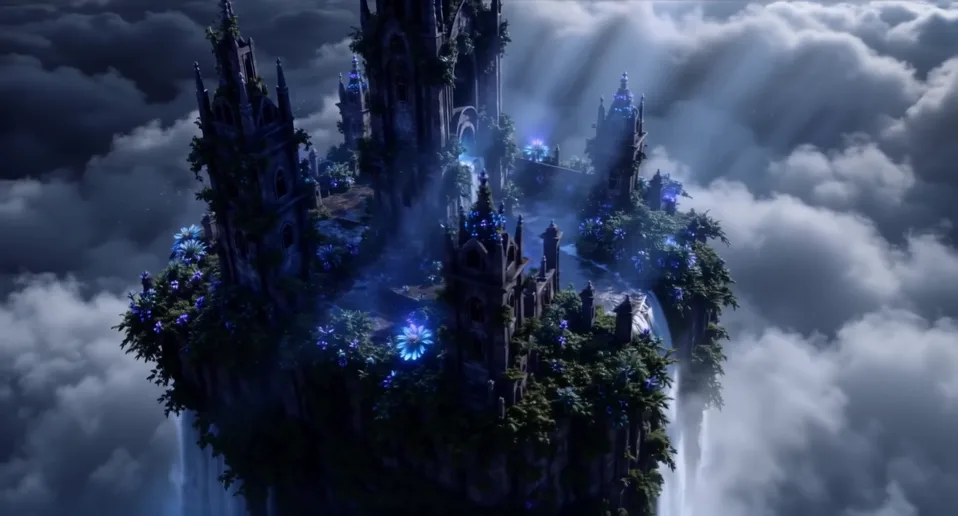
 Dark Fantasy
A dreamlike floating island covered in glowing flowers drifts slowly above a sea of clouds.
Cinematic storytelling
Create atmospheric film scenes with expressive camera movement, lighting and detail.
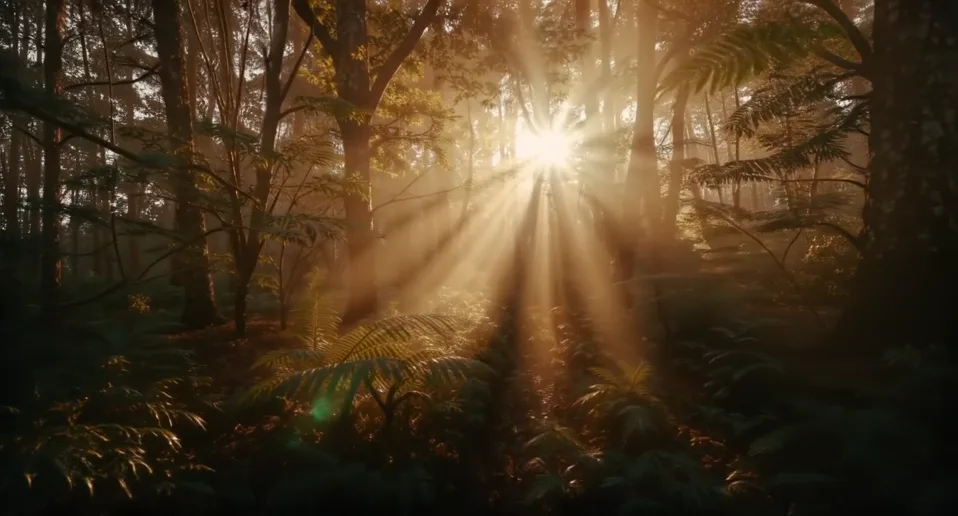
PhotorealisticA cinematic tracking shot through an enchanted forest at golden hour, with soft light filtering through the trees.
Extend a video
Continue an existing video and build a longer sequence while keeping the action flowing.
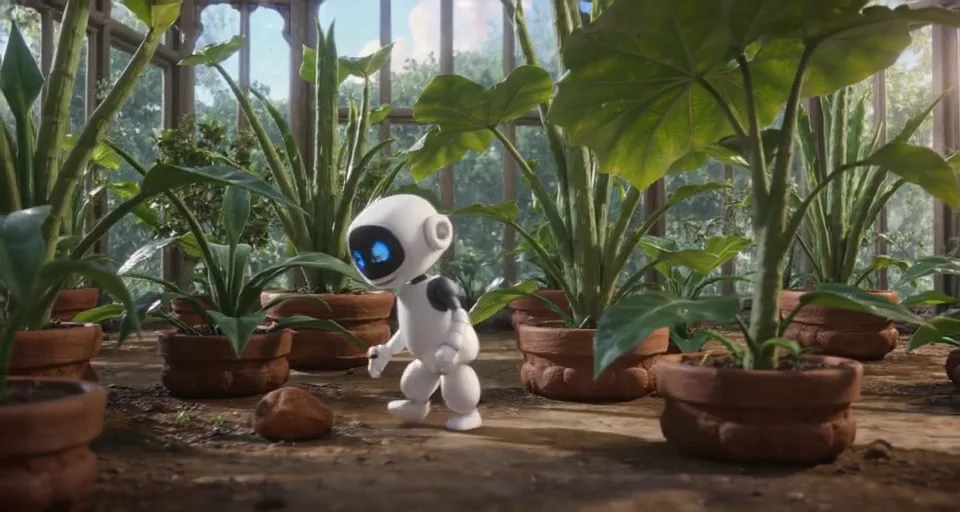
3D AnimationA small friendly robot explores an overgrown greenhouse filled with exotic plants, curious movements, soft volumetric light, whimsical animated-film style.
Watch the original clip before exploring its extended version.
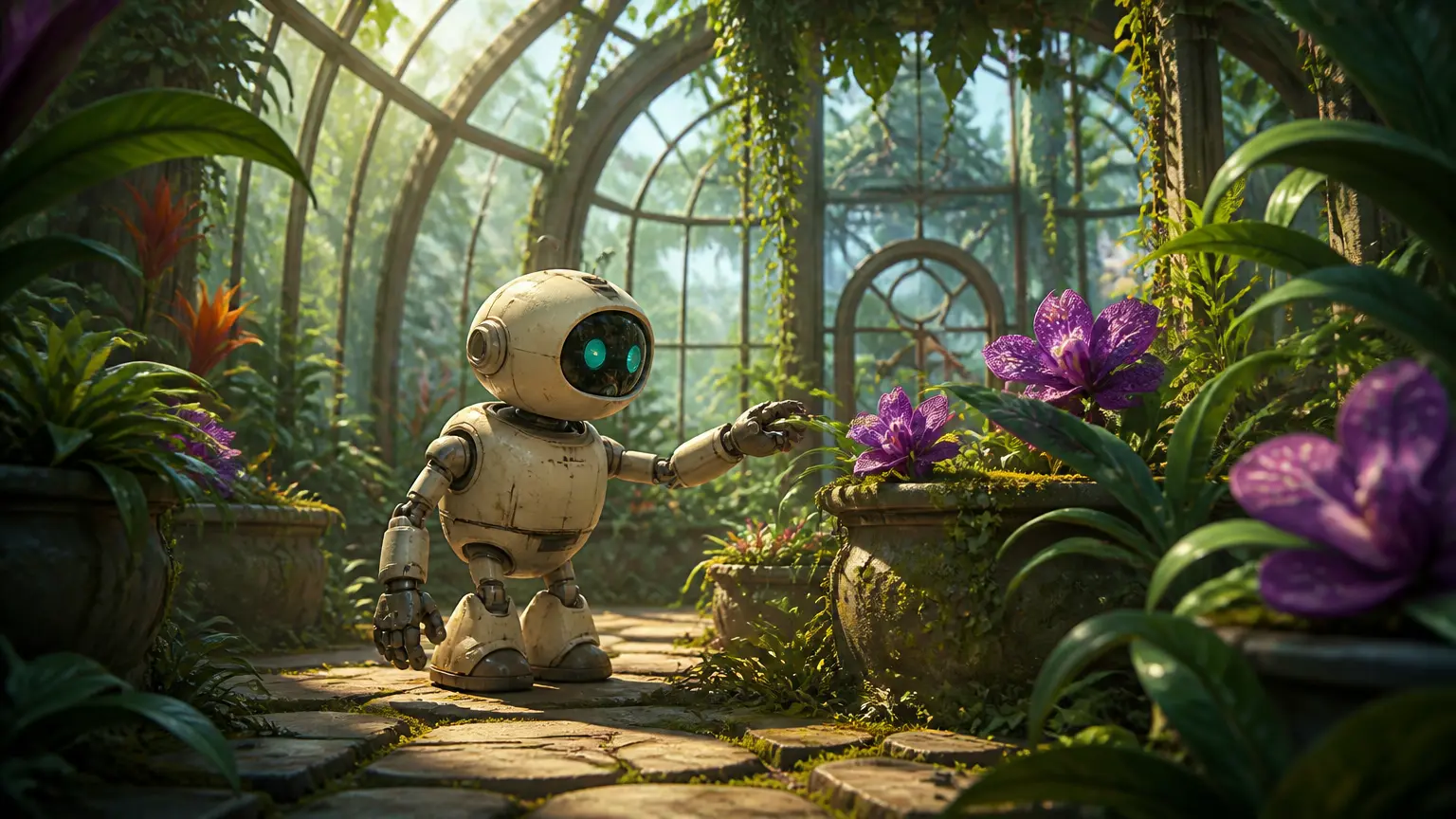
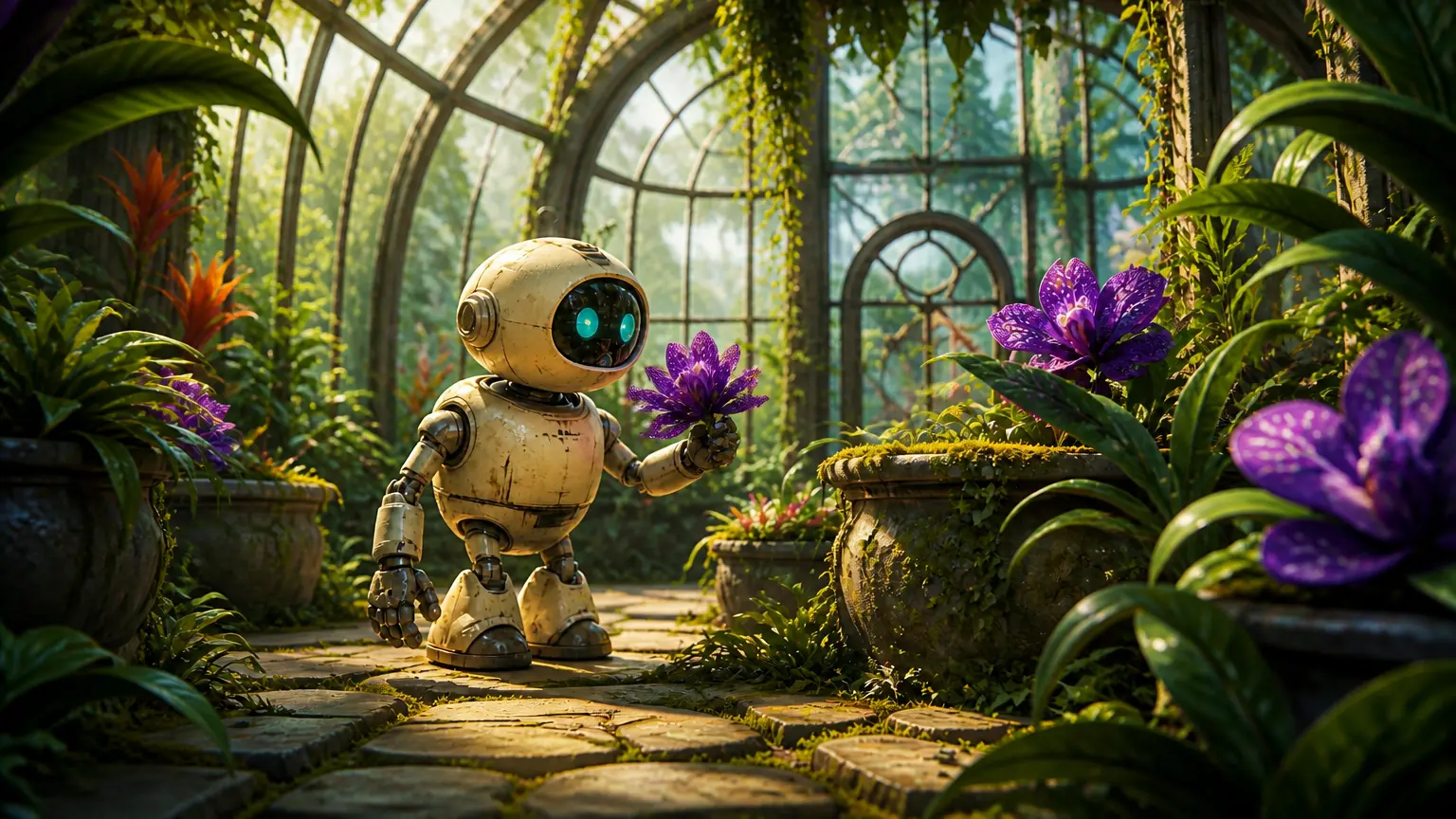
First & Last Frame
Define the beginning and ending of a scene and let FrameWonder generate the motion between them.
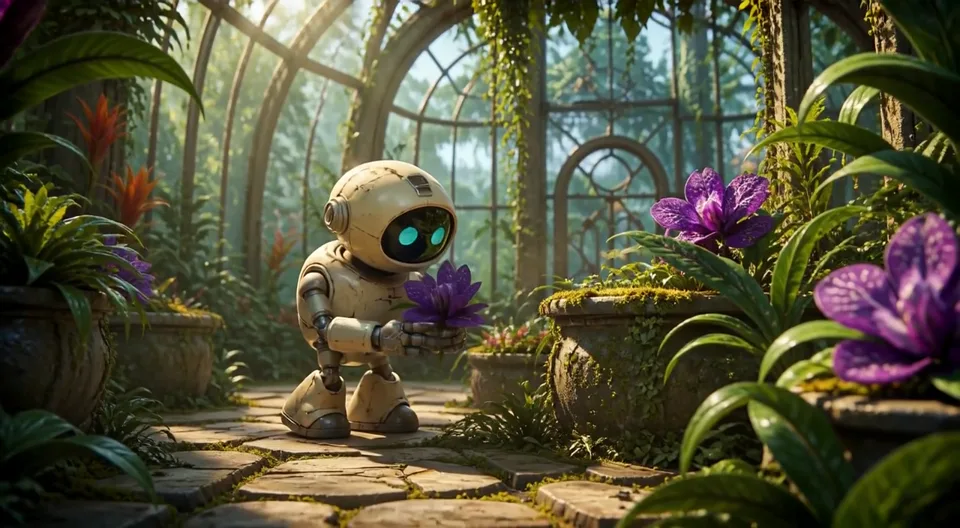
3D AnimationA small friendly robot explores an overgrown greenhouse filled with exotic plants, curious movements, soft volumetric light, whimsical animated-film style.
Choose where your video starts and ends. FrameWonder creates the motion in between.
Your studio. Your rules.
Rent a dedicated GPU and keep generating video variations during your session.
Unlimited video attempts
Keep iterating on AI videos while your GPU session is active, without a separate generation charge.
Your own GPU
Dedicated GPU power for your session. No per-generation credits or shared generation queue.
No technical setup
No servers or GPU to manage. Just create in your browser.
Explore GPU Studio and choose the GPU configuration that fits your project.
The first take isn't always the right take.
A small change in camera movement, character expression or timing can mean starting again. When every attempt has a price tag, creative experimentation gets expensive fast.
FrameWonder takes a different approach: rent GPU time, not individual video generations. Keep refining until you find a take you love, as long as your session lasts.
Start creatingTraditional AI video generators
Pay for every generation. Every retry adds up.
FrameWonder GPU Studio
One GPU session. Endless possibilities.
*Illustrative estimate at 30 seconds per video, excluding overhead. €1.25 is an example starting price for 15 minutes, not a guaranteed rate. Actual costs and results vary by GPU, settings and generation mode.
Your GPU. Your time. Your creative freedom.
What does GPU time cost? You control how long your GPU runs and can stop it whenever you are done. The examples below use 500 credits per GPU hour; your actual rate depends on the GPU you select.
≈ €0.42
~10 videos at 30 sec/video
Estimated at 500 credits/hour. Actual costs vary by GPU.
≈ €1.25
~30 videos at 30 sec/video
Estimated at 500 credits/hour. Actual costs vary by GPU.
≈ €2.50
~60 videos at 30 sec/video
Estimated at 500 credits/hour. Actual costs vary by GPU.
≈ €5.00
~120 videos at 30 sec/video
Estimated at 500 credits/hour. Actual costs vary by GPU.
The 30-second rendering time is illustrative, not a guaranteed speed. Actual rendering time varies by GPU, model and settings. Billing starts when your GPU is ready.
Buy credits. Create on your terms.
No subscription required. Add credits whenever you need them, use them for GPU runtime or AI image generation, and stay in control of your spending.
Starter
One-time purchase
Standard credit rate
≈ 120 AI videos*
Creator
+10% bonusOne-time purchase
Includes bonus credits
≈ 396 AI videos*
≈ 36 bonus videos
Studio
+15% bonusOne-time purchase
Includes bonus credits
≈ 828 AI videos*
≈ 108 bonus videos
Pro
+20% bonusOne-time purchase
Includes bonus credits
≈ 1,440 AI videos*
≈ 240 bonus videos
* Estimates assume 5-second videos, an average rendering time of 30 seconds per video, and a GPU rate of 500 credits per hour. Actual results vary by GPU, settings, and startup time.
What does a generation cost?
See how far your credits can go before you start creating.
No GPU rental required. Credits are charged per image.
Pay for GPU runtime, not per video. Generate multiple videos during one session.
Illustrative estimates based on 30 seconds of GPU rendering per 5-second video at 500 credits/hour. Actual video counts and costs depend on GPU, generation settings, model loading and other overhead.
Credit amounts reflect the current standard packages and bonus tiers. Available options and final charges are confirmed on the credits page.
More than a video generator.
A workspace designed for experimentation, continuity and building a complete story from individual clips.
Create another take
Try different prompts, framing and motion without paying for every video attempt.
Extend with context
Continue an existing video using preceding frames for smoother continuity, including audio context when available.
More ways to generate
Start from text, animate an image, use first and last frames, or extend an existing clip.
AI images on demand
Generate from text or a reference image with separately priced image credits. No GPU rental needed.
Audio-aware workflows
Build scenes with audio continuity, and bring generated clips together in the editor.
Make it your own
Preview, download and combine your generated clips in your creative workspace.
Image generation is billed separately per image.
From idea to creation in three steps
Choose your session
Rent GPU time for the duration that works for you.
Launch your studio
We prepare your GPU and AI models. Your session starts when everything is ready.
Keep creating
Iterate on videos during your GPU session. AI images are generated separately using credits.
Ready to start creating?
Experiment with video variations, extend your best takes and bring your ideas to life with FrameWonder.
Get startedLet's talk about your ideas.
Questions about FrameWonder, your account or a creative project? Send us a message and we'll get back to you.
info@framewonder.com